
Weebly vs Wix: Why Moving Your Website to Wix Is the Clear Winner
If you launched your website a few years ago, there’s a good chance Weebly was on your shortlist. It was simple, cheap, and “good enough” to get a small business, blog, or side project online without writing a line of code.
Fast forward to 2025 and the landscape looks very different. Weebly is still around, but most of Square’s focus has shifted toward Square Online and payments. Wix, on the other hand, has evolved into a full ecosystem: a visual site builder, eCommerce platform, marketing toolkit, and app marketplace rolled into one.
So the real question isn’t just Weebly vs Wix – which is better? It’s: “If I’m already on Weebly, is it worth the effort to move my website to Wix?”
In most cases, yes. Below, we’ll look at Weebly vs Wix from a practical, business-owner perspective and show why migrating to Wix is usually the clear winner – not just in features, but in how future-proof your site becomes.
1. Product Direction: One Platform Is Evolving, the Other Is Coasting
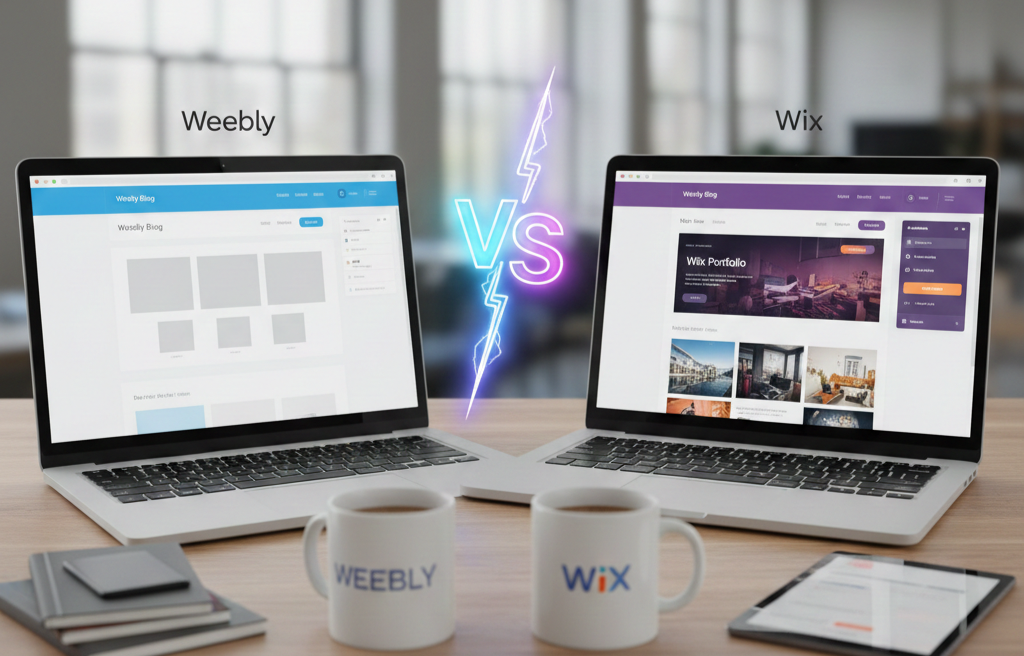
When you choose a website platform, you’re not just picking today’s features – you’re betting on its roadmap.
- Weebly was a great pioneer of drag-and-drop builders, but since its acquisition by Square, updates have slowed and messaging has shifted toward Square Online. That’s fine if you want a very basic site attached to a checkout, but not great if you care about long-term flexibility.
- Wix is clearly positioned as a full website and business platform. It gets regular design updates, new templates, AI tools, and integrations. The editor, app market, and ecommerce features continue to grow year after year.
If your website is more than a digital business card, you want a platform that will still be vibrant in three or five years. On that front, Wix beats Weebly simply because it’s moving forward faster.
2. Editing Experience: Both Are Drag-and-Drop, but Wix Actually Feels Modern
On paper, Weebly vs Wix looks similar: both are visual builders with no code required. In practice, they feel very different.
Weebly’s editor is simple and block-based. You drag in elements like text, images, and forms, and drop them into predefined areas. It’s very beginner-friendly, but the layout options are limited once you choose a theme, and things can feel cramped as your content grows.
Wix’s editor combines freeform drag-and-drop with structured sections and pre-designed blocks. You can stack hero sections, feature grids, testimonials, and calls-to-action in almost any order, and tweak spacing, alignment, and responsive behavior with much finer control. On top of that, AI helpers can generate starting layouts and content, so you’re not staring at a blank canvas.
Log into both side by side and Wix simply feels like a newer generation of builder: smoother, more flexible, and better suited to sites that evolve over time.
3. Design Quality & Branding: Looking Professional Without a Designer
Most visitors will judge your business by your site’s design in seconds. That’s why the template library and design system matter so much.
On Weebly, you get a small set of relatively simple themes. They’re clean enough, but many look dated by modern standards. You can customize fonts and colors, but you often hit the limits of what a theme supports long before you hit your own design ambitions.
On Wix, you can:
- Start with niche-specific templates tailored to your industry.
- Customize typography, color palettes, buttons, and section styles globally.
- Use built-in effects and subtle animations to add polish without diving into code.
For rebrands or growing businesses, Wix simply gives you more visual headroom. You can refresh your look, add new page types (landing pages, portfolios, case studies), and evolve your brand without rebuilding everything from scratch.
4. Features and Integrations: Wix Becomes a “Stack,” Weebly Stays a Simple Site
A big reason site owners leave Weebly is that what used to be “just a website” now has to do a lot more:
- Capture leads and sync them to a CRM
- Run email campaigns and on-site pop-ups
- Take bookings and payments
- Host gated content or simple memberships
- Track events and conversions for ads
Weebly offers a basic set of features and some integrations, but its ecosystem is limited. It’s fine if you just need a few pages and a contact form, not so much when you’re building a full marketing funnel.
Wix acts more like a business platform:
- Wix Bookings for services and appointments.
- Wix Stores for physical/digital products and subscriptions.
- Wix Forms, automations and CRM for capturing and nurturing leads.
- An app market to plug in reviews, chat, advanced analytics and more.
As your business grows, you’re far less likely to hit a wall in Wix. You may still add external tools, but you won’t be forced into a second full migration just because your platform can’t keep up.
5. SEO & Performance: More Control and Better Tools for Growth
If you care about organic traffic, Weebly vs Wix is another lopsided comparison.
Weebly covers the basics: you can set titles, descriptions, and adjust simple URLs. For very small, low-competition sites, that might be enough. But as you add blog posts, landing pages, and categories, the lack of more advanced controls becomes frustrating.
Wix gives you:
- Full control over titles, descriptions and URL slugs on each page.
- Automatic XML sitemaps and easy Google Search Console integration.
- Redirect tools so you can properly manage 301s when you restructure content.
- SEO patterns, which let you apply consistent rules to large sets of pages (for example, blog posts or product pages).
No builder is a magic SEO bullet, but if you want to treat your site as a serious marketing asset, moving from Weebly to Wix gives you a better toolkit to work with.
6. Ecommerce & Bookings: When Your Business Starts Selling Seriously
If you started with a simple Weebly site and later added a couple of products, its ecommerce can feel fine at first. But as soon as online sales become meaningful, limitations show up:
- Fewer options for product variants and presentation
- Simpler shipping, tax, and discount logic
- Limited tooling for subscriptions, memberships and upsells
Wix isn’t trying to replace Shopify for massive stores, but its Wix Stores module provides plenty of power for small and mid-size businesses:
- Rich product pages with galleries, video and flexible layouts
- Support for subscriptions, gift cards, and digital products
- Abandoned cart emails and more nuanced promotions
- Tight integration with Wix email marketing and automations
For service businesses, Wix Bookings adds even more: clients can self-book appointments or classes, pay online, and get automated reminders. If your Weebly site is slowly turning into a store or booking engine, Wix is a far more comfortable next home.
7. Migration: Is Moving from Weebly to Wix Actually Hard?
A big reason people stay on Weebly is simple: fear of migration. They imagine days of downtime, broken pages, and lost rankings.
In reality, especially when moving to another hosted builder like Wix, the process is very manageable:
- Rebuild your structure in Wix, mirroring your Weebly navigation (home, services, about, blog, contact, key landing pages).
- Copy your content by moving text and images from Weebly into Wix sections; this manual step also lets you rewrite outdated content and improve calls to action.
- Recreate your design with a modern template, then adapt colors, fonts, and sections to match or upgrade your current brand.
- Set up URLs and redirects, matching important slugs where possible and using 301 redirects for everything else.
- Point your domain to Wix only after you’ve tested the new site thoroughly on desktop and mobile.
You can do this yourself with some patience, or hire a migration specialist if your site is large or mission-critical. Either way, it’s a finite, one-time project – and the long-term improvement in flexibility and design is usually worth the effort.
8. Cost & Value: Similar Bills, Very Different Ceiling
On paper, Weebly and Wix both look affordable. Each offers low-cost plans for simple sites and higher tiers for ecommerce.
The difference is in what you get at each level:
- With Weebly, you pay mainly for basic hosting, a simple builder, and entry-level store functionality.
- With Wix, the same rough budget buys you a broader business toolkit: design flexibility, apps, marketing tools, bookings, ecommerce and CRM.
So the real pricing question isn’t “Which is cheaper by a few dollars?” but:
“For the money I’m already willing to spend on my website, which platform actually moves my business forward?”
For most serious projects, the answer is Wix – because it gives you more paths to grow without immediately needing yet another platform.
9. Weebly vs Wix: Side-by-Side Comparison
Before diving deeper, here’s a quick overview of how Weebly vs Wix stack up on the things most business owners actually care about:
Area | Weebly | Wix | Clear winner |
Product direction | Mature, but slow development; energy shifted toward Square Online. | Actively developed platform with frequent updates and new features. | Wix |
Ease of use | Very simple drag-and-drop; good for tiny brochure sites. | Visual editor plus sections, presets, and AI helpers; still no-code. | Tie (for beginners), Wix scales better |
Design & templates | Limited theme library; many designs feel dated. | Hundreds of modern, niche-specific templates and deep visual control. | Wix |
Apps & integrations | Smaller ecosystem; basic integrations and add-ons only. | Large app market with marketing, analytics, forms, chat and more. | Wix |
SEO tools | Basic meta fields and URLs; limited advanced control. | Strong SEO controls, patterns, redirects, and Search Console integration. | Wix |
Ecommerce | Suitable for small catalogs and simple stores. | More advanced store options, subscriptions, bookings, and automations. | Wix |
Bookings & services | No native bookings system on the same level as dedicated tools. | Wix Bookings for appointments, classes, events, and payments. | Wix |
Scalability | Fine for small, relatively static sites. | Designed to grow with content, features, and marketing needs. | Wix |
Best for | Micro sites, hobby projects, very simple online presence. | Small–mid businesses, growing brands, serious freelancers and creators. | Wix |
This table tells the story in one glance: Weebly still works, but Wix gives you more room to grow in almost every direction that matters.
10. So, Should You Leave Weebly for Wix?
If your Weebly site is tiny, static, and unlikely to change, staying put might be fine for now.
But if any of these feel familiar…
- You want a more modern design without hiring a developer
- You need stronger ecommerce, bookings or lead-generation tools
- You’re frustrated by Weebly’s limited roadmap and small app ecosystem
- You want to be more serious about SEO and content marketing
…then moving from Weebly to Wix is almost always the more strategic choice.
You don’t have to migrate in a rush. Start by creating a free Wix account, choose a template similar to your current site, and rebuild just your homepage as a test. Once you see how much more you can do with layouts, apps, and marketing tools, you’ll understand why – in the Weebly vs Wix debate – Wix isn’t just a lateral move. It’s a clear upgrade and a better long-term home for your website.
11. Need Help Migrating from Weebly to Wix?
If you’ve decided to move but don’t have the time, patience, or technical confidence to handle it yourself, you don’t have to go it alone. There are specialist services that can migrate your site from Weebly to Wix for you — preserving your design, content, and SEO as much as possible. One example is weebly-to-wix.com , a service focused specifically on helping Weebly site owners move to Wix with minimal hassle.