
Online Survey Tools for E-commerce Brands: Comparing Ease of Use and Analytics
Running an online store without customer feedback is like designing a homepage with your eyes closed. You see orders, returns, and ad metrics-but not why people buy, bounce, or abandon their carts. That “why” usually lives in one place: structured customer feedback.
Online survey tools make it easy to collect that feedback at scale, especially if you sell through a website, social media, or marketplaces. But with dozens of platforms on the market, choosing the right one for an e-commerce brand can feel overwhelming.
Below, we’ll break down what actually matters for online shops and compare three popular survey tools with a focus on ease of use and analytics-so you can start getting answers, not just more data.
Why E-commerce Brands Need Surveys (Beyond Star Ratings)
Reviews and star ratings are useful, but they’re also noisy and incomplete. Surveys help you:
- Understand purchase intent: Why did someone almost buy-but didn’t?
- Improve UX: Which part of your website is confusing or frustrating?
- Optimize product pages: Are photos, descriptions, and size guides good enough?
- Reduce returns: Do people feel misled by product photos, sizing, or materials?
- Refine marketing: Which campaigns attract your best customers?
The goal isn’t to bombard visitors with pop-ups-it’s to ask the right questions at the right moment, then turn answers into design, product, and marketing decisions.
What to Look For in an Online Survey Tool
When you run an online store, you don’t have hours to wrestle with complicated research platforms. The ideal survey tool for e-commerce has:
- Ease of Use. You should be able to build and publish a survey in minutes: drag-and-drop editing, templates for common scenarios (post-purchase, NPS, abandoned cart), and no coding.
- Flexible Distribution. You’ll want to share surveys via email campaigns, links, QR codes on packaging, and on-site widgets (e.g., exit intent or post-purchase pages).
- Strong Analytics & Reporting. It’s not just about collecting responses; it’s about understanding patterns:
- Conversion-impacting issues (delivery time, sizing, pricing)
- Satisfaction trends over time (e.g., after a redesign or new product launch)
- Segmentation by order value, source, or product category
- Integrations. Connections with your email service, CRM, or e-commerce platform help you trigger surveys automatically and sync results with customer profiles.
- Fair Pricing for Growing Stores. Freemium or scalable pricing matters when you’re still testing ideas and don’t want a heavy enterprise contract.
Mini-Ranking: 3 Survey Tools for E-commerce Brands
Here’s a compact top-3 list focused on ease of use and analytics, tailored for online stores.
1. Typeform.com – Best for Beautiful, Conversational Surveys
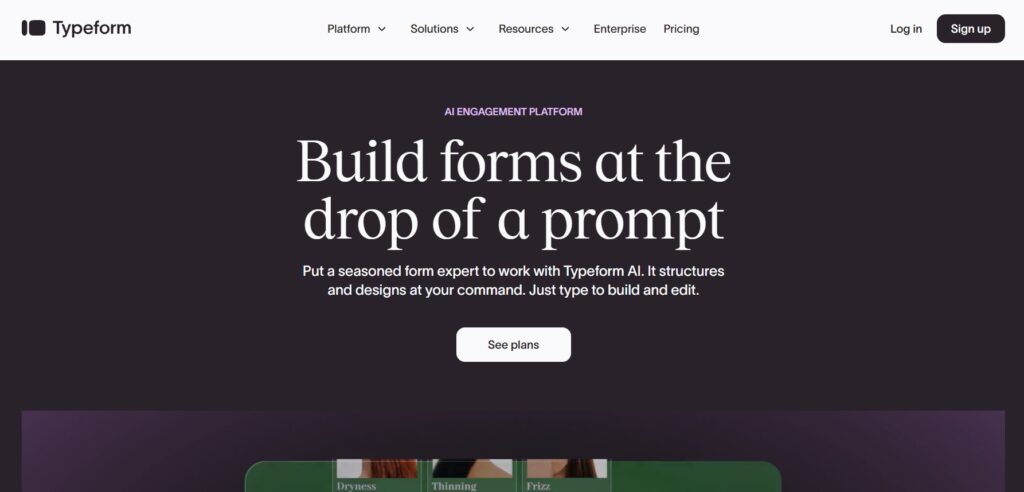
Typeform is known for its conversational, one-question-at-a-time interface. For e-commerce brands focused on brand image and friendly UX, this format can feel more like a chat than a form.
Why e-commerce brands like it
- Polished, modern look that fits lifestyle and design-led brands
- Good templates for customer satisfaction, product feedback and onboarding
- Decent analytics with completion rates, drop-off analysis, and basic segmentation
Where it can be limiting
- Pricing grows quickly as responses scale
- Some advanced features and integrations sit behind higher tiers
If you care a lot about how your survey looks as part of your brand, Typeform is a strong candidate.
2. SurveyNinja.io – Best Balance of Simplicity and Actionable Insights

SurveyNinja focuses on being powerful enough for serious feedback but simple enough that non-researchers can use it daily. For small and mid-sized e-commerce brands, that balance is crucial.
Ease of use
- Intuitive builder with question templates for NPS, CSAT, post-purchase, and churn surveys
- Quick setup: you can build a survey, grab a link, and drop it into your email or thank-you page in minutes
- Logical question branching without needing a research background
Analytics that matter for online stores
- Clean dashboards to track satisfaction over time (e.g., before/after a redesign)
- Easy export for deeper analysis or sharing with your marketing/design team
- Thematic grouping of responses, helping you see recurring issues like “delivery time” or “sizing”
Why it works well for e-commerce
If you’re not a full-time data analyst but still want serious insight into what’s helping or hurting sales, SurveyNinja gives you understandable reports without a steep learning curve. It’s especially handy for small teams who juggle design, marketing, and customer support.
3. Google Forms – Best Free Option for Simple Feedback
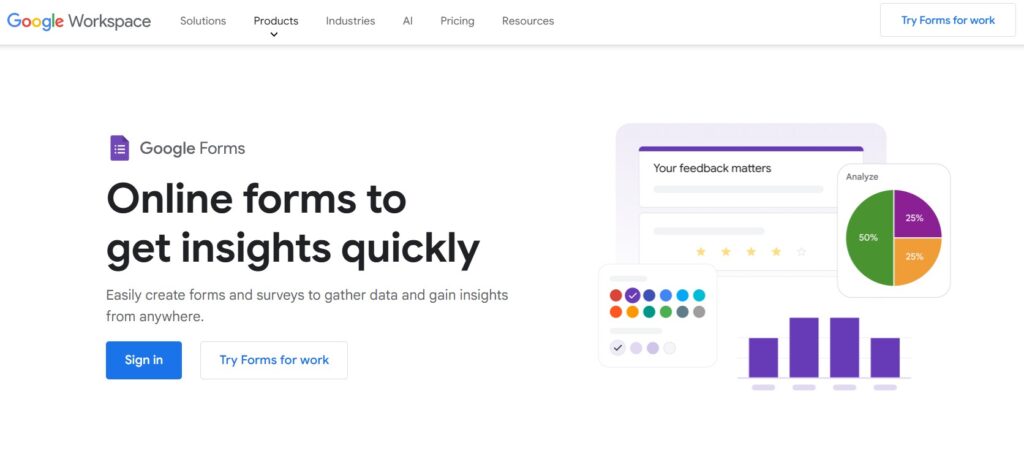
Google Forms isn’t built specifically for e-commerce, but it’s hard to beat as a quick, free way to start capturing feedback.
Strengths
- Completely free with a Google account
- Extremely easy to set up basic surveys
- Automatic charts and integration with Google Sheets for manual analysis
Limitations
- Very basic design options; forms will rarely match a polished brand
- Limited advanced logic and no dedicated e-commerce templates
- Analytics require more manual work in Sheets or external tools
For very early-stage shops or one-off research projects, Google Forms can be enough. As soon as you want more automation or better branding, you’ll likely outgrow it.
How to Choose the Right Tool for Your Shop
When comparing tools, start from your specific workflow rather than feature checklists:
If your priority is brand experience: A visually engaging tool like Typeform can reinforce your look and feel while collecting feedback.
If you want ongoing, structured insight with minimal hassle: A balanced platform such as SurveyNinja lets you run regular post-purchase, NPS, or product satisfaction surveys and easily track trends in one place.
If you’re just testing the waters with zero budget: Google Forms is a safe way to experiment with questions and audiences before committing to a paid solution.
Ask yourself:
- Who will actually build and analyze the surveys-designer, marketer, founder?
- How often do you plan to run surveys-one-off campaigns or ongoing programs?
- Do you need integrations with email tools or your CRM now or later?
Your answers will narrow the list quickly.
Quick Implementation Checklist for E-commerce Brands
Once you’ve picked a tool, use this simple rollout plan:
- Start with one key journey. For most online stores, that’s the post-purchase survey. Ask about shopping experience, delivery expectations, and what almost stopped them from buying.
- Add one on-site check-in. Use a short survey on key pages (product pages, checkout, or after a redesign) to identify friction points.
- Track one core metric first. For example, overall satisfaction with the shopping experience or NPS. Watch how it changes when you tweak design, content, pricing, or delivery options.
- Share results with your team. Bring designers, marketers, and support into the loop so feedback turns into concrete changes: better images, clearer size guides, improved FAQs.
- Iterate questions, not just layouts. Over time, refine your survey questions to dig deeper into issues that appear again and again in responses.
Final Thoughts
For e-commerce brands, survey tools are not just “nice to have”-they’re a direct line to the people who keep your store alive. Whether you choose a polished interface like Typeform, an insight-focused platform like SurveyNinja, or a minimal starter like Google Forms, the key is to actually act on what customers tell you.
Install one survey, track one key metric, and make one change based on real feedback. Then repeat. That’s how your store’s design, product pages, and customer experience stop being educated guesses-and start being data-backed decisions.