
How Simple Online Calculators Can Make Science More Fun for Kids (and Easier for Grown-Ups)
In almost every kids’ science session, the same practical questions show up:
“How much slime do we need for 25 kids?”
“What happens to the budget if we add another experiment?”
“How many students can we fit into this workshop for our price range?”
Those aren’t just science questions – they’re math questions too. One of the easiest ways to turn these “how much / how many” moments into real-world learning is to add simple interactive calculators to your website.
If you run a children’s science lab, museum, after-school program, or classroom, an online calculator can become a tiny digital lab of its own: it helps parents plan visits, helps kids play with numbers and saves staff time on repetitive explanations.
In this article, you’ll discover what an “online calculator” is, five calculator ideas perfect for kids’ science programs, a mini-rating of 3 no-code calculator builders and a quick 5-step plan to launch your first calculator in under an hour. Let’s get started.
What Do We Mean by “Online Calculator”?
We’re not talking about the calculator app on a phone.
An online calculator is a small interactive widget on your website where visitors change values and instantly see results. For example:
- Parents type in the number of kids and see the estimated price of a science party.
- Teachers choose the grade level and class size and get a suggested experiment kit list.
- Kids move sliders to change ingredients and see how that affects the outcome of a simple experiment.
Modern calculator builders let you create these tools with no coding: you drag and drop fields, add formulas, and paste a short embed code into your site. The result is an always-available, easy-to-use tool that feels like a mini-app rather than a static page.
5 Calculator Ideas for Kids’ Science Labs & Classrooms
Here are a few practical ideas you can adapt for your own lab, school, or camp.
1. Experiment Ingredients Calculator
Perfect for slime, volcanoes, or any recipe-based activity.
- Parents or teachers pick an experiment and enter the number of kids.
- The calculator automatically scales up quantities of glue, baking soda, food coloring, vinegar etc.
- You can add a “Print recipe” or “Email recipe” button so they can bring the list to the store.
Kids can play with the numbers and see how doubling the group size changes the materials, which quietly reinforces the idea of proportional reasoning.
2. Workshop Budget & Group Size Estimator
Money is a big factor for families and schools.
- The user enters: number of students, chosen program, optional add-ons (extra time, souvenirs, snacks).
- The calculator shows an instant estimated total and per-student cost.
- A simple “Request booking” button under the result can lead straight to your contact form.
This brings transparency to pricing, reduces back-and-forth emails, and helps administrators make faster decisions.
3. Birthday Party Planner
Science-themed birthday parties are popular, but parents often feel lost when planning them.
A party planner calculator might include:
- Number of kids
- Party length (60/90/120 minutes)
- Experiment package (slime lab, glowing science, mini-volcanoes)
- Optional extras (goodie bags, decorations, photo corner, extra mentor)
The calculator outputs a summary and estimated price. Parents can adjust options until they find a combination that fits their budget and schedule.
4. Safety & Readiness Checklist
Not every calculator has to be about money – some can help with safety and preparation.
Create a “readiness score” calculator where teachers or parents:
- Tick boxes for closed-toe shoes, tied hair, no food/drink at the table, etc.
- Answer a few yes/no questions about allergies or special needs.
- Get a readiness score and a short list of things to fix before arriving.
This helps reinforce lab safety habits in a friendly, game-like way and reduces unpleasant surprises on the day of the visit.
5. STEM Challenge Goal Tracker
If your program runs long-term projects (for example, “100 experiments this year” or a fundraising campaign), a calculator can turn them into a visual challenge.
- Users enter current progress (experiments completed, hours logged, money raised).
- The calculator shows the percentage of the goal and suggests a next milestone or fun “level-up” badge.
Kids love watching the numbers move as they contribute more effort, and educators get a simple progress dashboard.
3 Online Calculator Builders for STEM & Kids’ Labs
You don’t need a developer to build any of the calculators above. Here’s a short mini-rating of three popular no-code calculator builders that work well for educational projects.
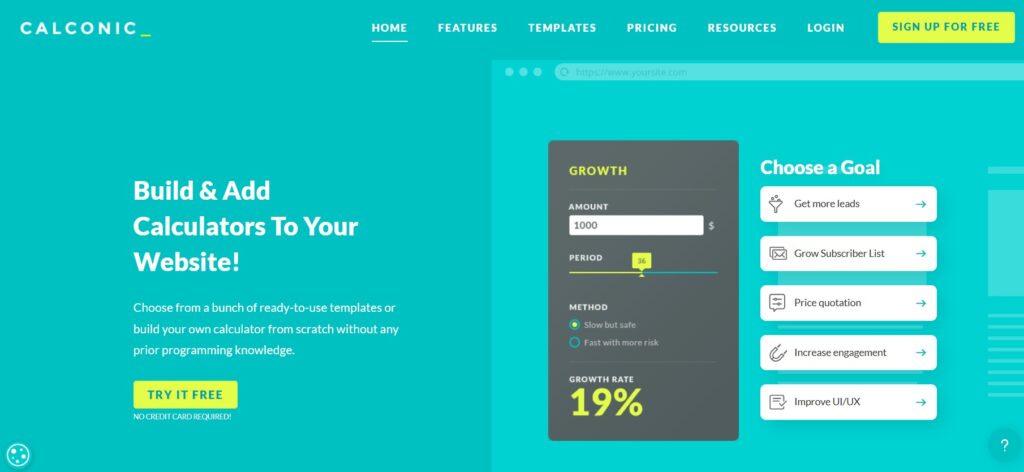
CALCONIC – is a cloud-based calculator builder with a visual drag-and-drop editor. The platform gives you a gallery of ready-made templates – from simple price estimators and quote forms to small quizzes and lead capture tools. You can customize colors, fonts, and layout so the calculator looks like a natural part of your website rather than an add-on.
The editor is quite friendly even for non-technical staff. You add input fields (numbers, sliders, checkboxes), define basic formulas and CALCONIC instantly shows a live preview. Once you’re satisfied, you publish and get an embed code that can be pasted into most website builders and CMSs.
Good for:
Simple quote/price calculators for workshops, camps and parties
Quick prototypes when you want to test an idea without a big setup
Teams who value polished templates and a clean, minimal interface more than deep customization.
Keep in mind: CALCONIC is ideal for straightforward use cases. If you later want to add more complex branching logic or combine calculators with payments and advanced forms, you may need a more flexible tool.
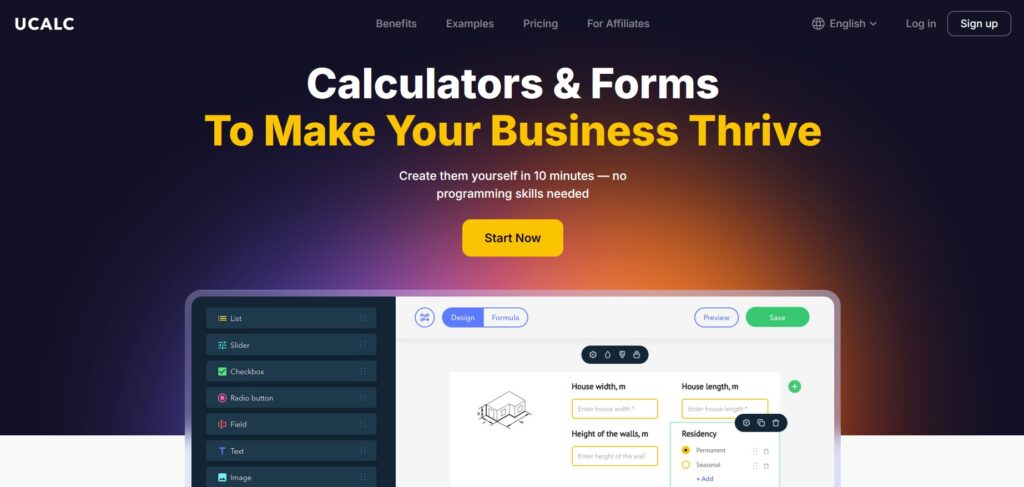
uCalc – is a versatile online calculator and form builder designed to cover a wide range of scenarios – from tiny widgets to full booking flows. It uses a visual editor where you drag elements onto a canvas: number fields, sliders, toggles, dropdowns, text fields, and buttons. Each element can be styled and connected with custom formulas, which makes it easy to model real-world scenarios like science parties, lab visits, or after-school programs.
What sets uCalc apart is how it combines calculation, data collection and payments in one tool. You can ask parents to enter group size and date, automatically calculate the price, collect their contact information, and even accept a deposit or full payment – all inside a single embedded widget. For educational organizations that don’t want to juggle multiple services, this creates a smooth, low-friction experience.
uCalc also offers templates for common scenarios (cost calculators, booking forms, donation widgets) that you can adapt for STEM labs or school activities. Embedding is straightforward: you copy a short script into your website, and the calculator immediately becomes interactive on the page.
Why it works nicely for kids’ science programs:
- Playful controls (sliders, switches, image options) that you can style to match your lab’s branding
- Built-in form fields, so you can turn any calculator into a sign-up or inquiry form
- Optional payment support for workshops, science camps or birthday parties
- Works with most popular CMSs and site builders, so you rarely need a developer to integrate it
Best use cases: program price estimators, booking request calculators, party planners, donation or fundraising calculators, and any scenario where you want both a result and a lead/contact at the end.

ConvertCalculator – is a more advanced no-code platform for interactive calculators and mini web apps. While it also offers a visual editor, it’s aimed at users who need more complex logic: multi-step flows, conditional branching, advanced formulas, and dynamic text that changes based on user input. This makes it a strong option for larger organizations or projects that expect to grow over time.
With ConvertCalculator, you can create multi-page calculators where each step collects specific information – perfect for detailed field trip planners, grant application estimators, or complex budgeting tools for school districts. The platform supports a wide variety of input types and lets you use spreadsheet-like expressions to describe relationships between variables.
Best for:
- Multi-step calculators (for example, planning a full day science event with transport, meals and multiple activities)
- Projects that may evolve into quizzes, surveys, or more complex decision tools
- Teams comfortable thinking in terms of formulas and logic, who want maximum control without writing actual code
Things to consider: ConvertCalculator shines when you use its advanced features; for a very simple “how many kids / how much does it cost” widget, it can be more power than you strictly need. But if you expect your calculator to become a central planning or quoting tool, it’s worth a look.
How to Launch Your First Calculator in Under an Hour
You don’t have to build something huge. Start small and useful.
- Pick one use case. Choose the calculator that would save your team the most time right now: party planner, class budget estimator or ingredients scaler.
- Choose a builder.
- Want an all-rounder that also collects contacts and payments? Try uCalc.
- Want something very simple with ready templates? Start with CALCONIC.
- Planning a longer, multi-step flow? Consider ConvertCalculator.
- Sketch your inputs and outputs. On paper, write down the following: what visitors will enter (number of kids, duration, options), what the calculator should output (total price, material amounts, readiness score).
- Build and embed. In the builder of your choice, drag and drop the fields, add basic formulas and copy the generated embed code into your website (usually via an “HTML/Embed” block).
- Test with real parents, teachers and kids. Ask a few people to try the calculator. Watch where they hesitate, then adjust labels, tooltips and default values. Even tiny design tweaks can make the tool feel much friendlier.
Turning Curiosity into Clicks (and Visits)
Science is not just about reading facts; it’s about touching, changing and asking “what if…?”. Online calculators extend that spirit beyond the lab walls:
- Kids get a playful way to connect math and science.
- Parents and teachers get instant clarity on costs, schedules and preparation.
- Staff spend less time doing manual calculations and more time designing great experiments.
Whether you start with a simple ingredient scaler or a full birthday-party planner, adding an interactive calculator to your site is one of the easiest upgrades you can make. And the best part? With tools like CALCONIC, uCalc and ConvertCalculator, you can do it without writing a single line of code.